


|
|

 In English
 Suomeksi
Layout
While a motherboard can pack tons of nice features, the layout of the motherboard can ruin the experience for many. For example the graphics-cards can block the memory-slots and SATA-ports. Let's see if that's the case with this motherboard.
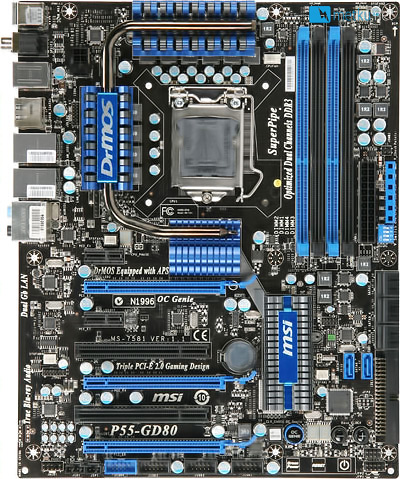
As we can see, MSIs P55-GD80 doesn't tread too far out from the current mainstream solutions. The top-area of the motherboard, is taken up by the CPU-socket, the power-circuitry and the memory-slots. The bottom-half, as usual, is taken up by the PCI-e and PCI slots. As we can see, the motherboard has 3 full-length x16 slots. The other PCIe and PCI slots can be found in between the PCIe x16 slots.
As SLI has worked the X58-chipset from Intel, the P55 makes no exception. In addition to SLI it naturally supports AMDs Crossfire.
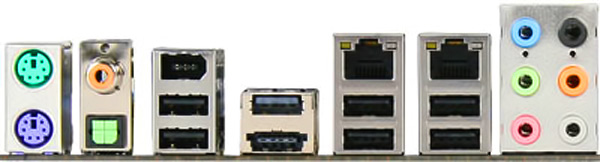
From the left we have the PS2-connectors, the SPDIF-connectors, the lonely firewire, 8 USB ports (one of which is a eSATA/USB combo port), 2 LAN ports and the basic audio jacks.
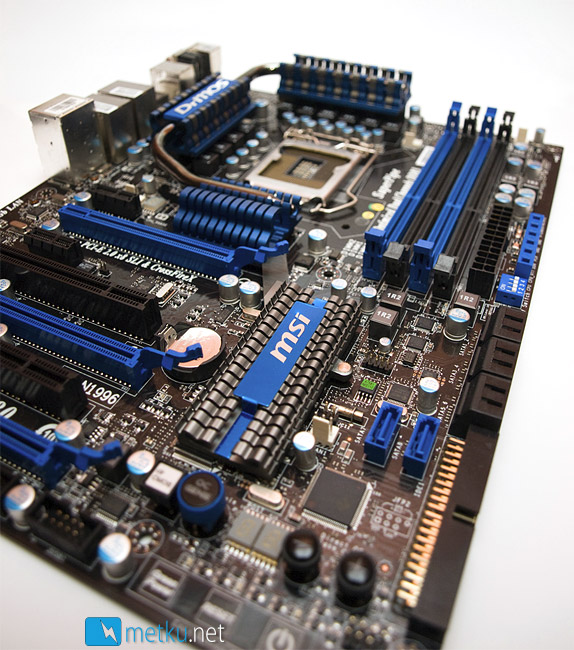
As we can see, MSI has chosen a nice color scheme for the motherboard. It combines black, dark grey and blue in a very classy manner. The low heatsink which can be seen on the foreground is the heatsink for the PCH. It is actually linked to the heatpipe/heatsink assembly that eats up most of the space around the CPU-socket area.
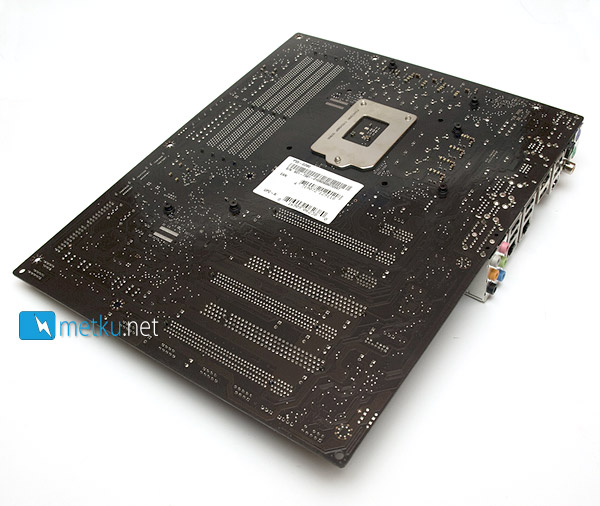
The back of the motherboard doesn't reveal anything special. Basically just the backplate for the socket.
 | Pages: 1 2 3 4 5 6 7 8 9 10 11 12 13 |  |
 Content in english!
 Sisältö suomeksi!
