


|
|

 In English
 Suomeksi
Closer look
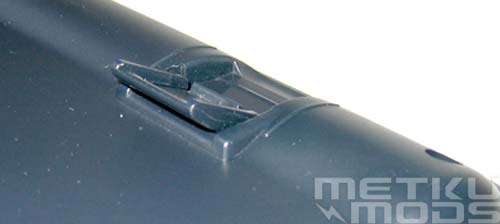
Feet
Adjustable feet can be used to raise or lower the keyboard profile. They are quite short so they don't make that much of a difference but sometimes even the small amount of adjustment is better than nothing.
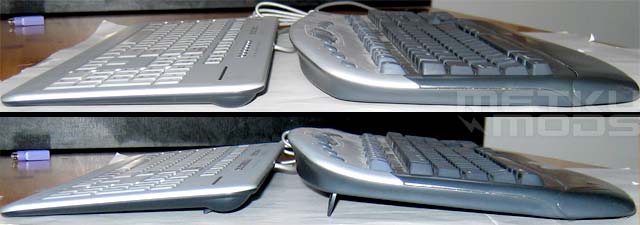
Profile
Without feet and with feet. From here you can clearly see how flat the 6300 is. You can compare it to a laptop keyboard and while most people hate to write with laptop keyboard, it is mostly due to a smaller key spacing. This keyboard have regular sized and spaced keys and it makes writing with this keyboard great joy. On the right is the Microsoft's wireless keyboard that I also like to use. Both have their good properties but the overall feeling of the 6300 is just amazing and I would choose it over the MS version any day. This said, please, test the keyboard before you buy it. Not everyone will feel the same as I do. Input devices like keyboards will divide opinions greatly and there is no "one-for-all" model available yet. Perhaps there will never be.
Lights on
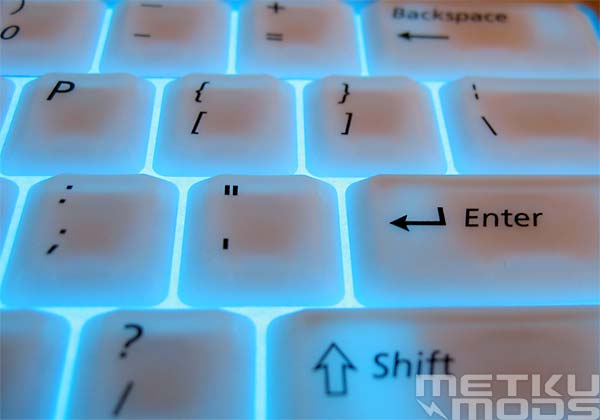
Lights on
EL sheet behind the keys produce a good and strong light. Not overly bright that would blind you when turned on in a dark room. Center of the keys remain bit darker because of the scissor mechanism that blocks some of the light but that doesn't bother too much. It just makes it easier to pinpoint each key.
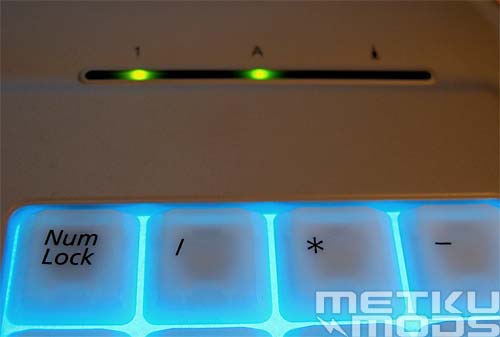
Status leds
I would have hoped to see for example blue leds here. Green just doesn't go well with the rest of the keyboard. But this is again a matter of taste and most users will not even notice these lights in their everyday use.
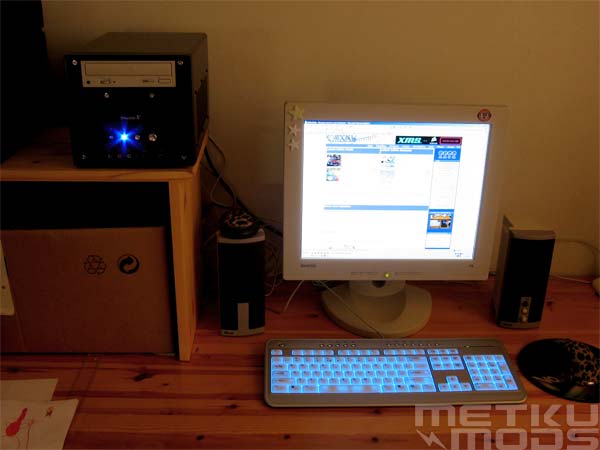
Setup ready
In a dimly lit room the light is very gentle. Not overly bright as I pointed out earlier.
 | Pages: 1 2 3 4 |  |
 Content in english!
 Sisältö suomeksi!
