


|
|

 In English
 Suomeksi
Obsidian 800D - Inside views
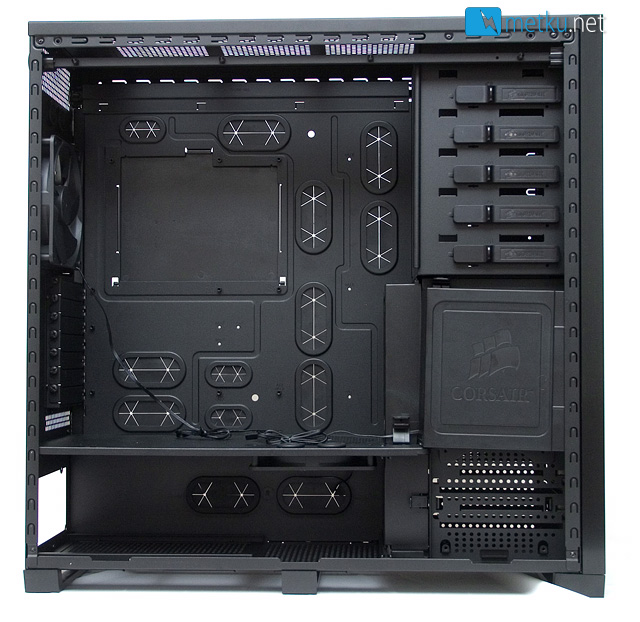
The spacious internals are divided into P180-esque two sections with the main chamber housing the motherboard, 5,25" drives and the hot swap HDD-cage and the lower being dedicated to the power supply and the lower HDD-cage. As for ease of installation the 5,25" drive bays come with quick locks and thumb screws are supplied for mounting the expansion cards.
Overall the layout is pretty simple. First and foremost there's a huge area for the motherboard. The case can handle mATX, ATX and eATX boards, all of which have also their dedicated holes for cable managing. On the dividing wall there's a 140 mm fan, and overall the airflow is intended to come through the bottom of the case and out the back or top. For such huge case I'm actually a bit surprised to see only three fans pre-installed.
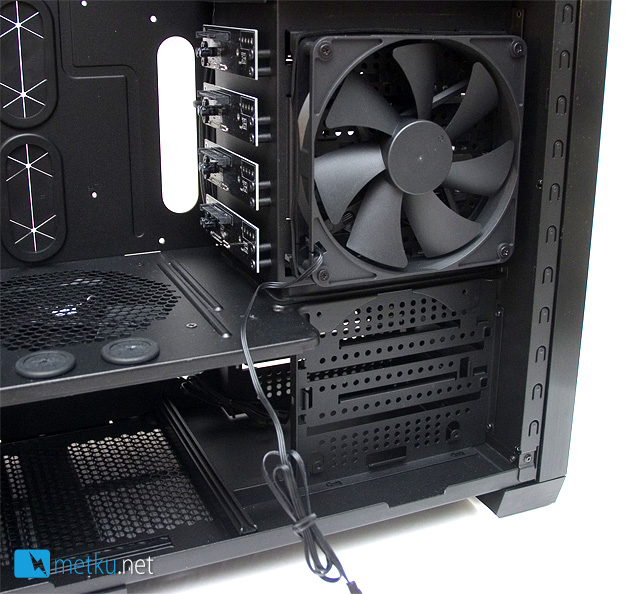
Around the hard drive bays, there are some plastic panels hiding the cables and directing the airflow. One of the covers hides a 140 mm fan cooling the hot-swap hard drives. There's also mounting holes for an optional 120 mm fan on the lower drive cage.
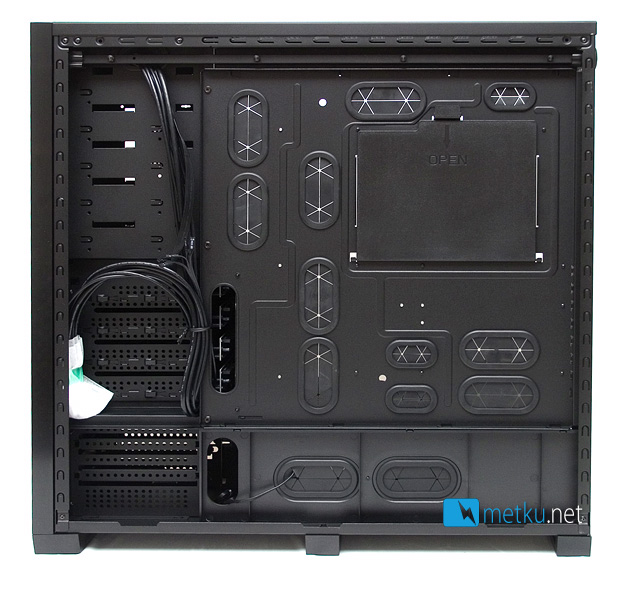
Removing the right side panel reveals more of the matte-black interior. Corsair has put a LOT of effort into the cable managing and there are total of fifteen holes for the cables around the motherboard tray and the PSU area. These should really make neat cabling a breeze. There's also plenty of room in between the motherboard tray and the side panel, so getting all the cables to fit shouldn't be a problem. Most of the cable holes are also covered with rubber flaps. This is done as the rear side of the motherboard tray is actually used as an exhaust vent for the HDD fan. To top things out there's a huge opening for installing the CPU cooler.
Oh and did I remember to mention that the motherboard tray is also removable?
 | Pages: 1 2 3 4 5 |  |
 Content in english!
 Sisältö suomeksi!