


|
|

 In English
 Suomeksi
ASRock - Bios
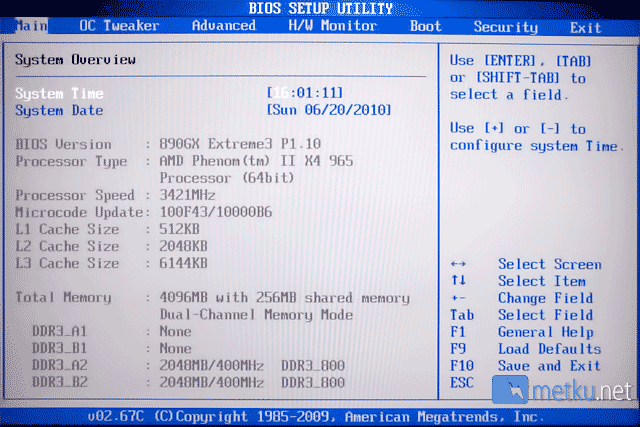
The 890GX Extreme 3 makes use of the American Megatrends BIOS. There are just about all the settings imaginable available, so lets go through some of the special ones.
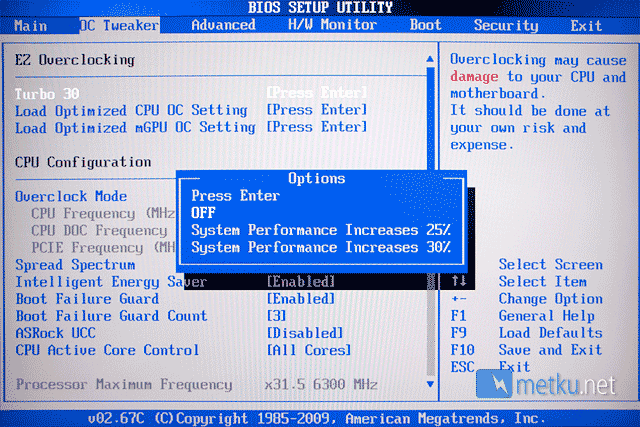
The BIOS comes with a Turbo 30 EZ Overclocking feature, which can be used to quickly and easily increase the performance of the system. The 890GX Extreme3 also overclocks the CPU by default, which resulted the CPU to run at over 3,6 GHz when we first entered Windows using the default settings.
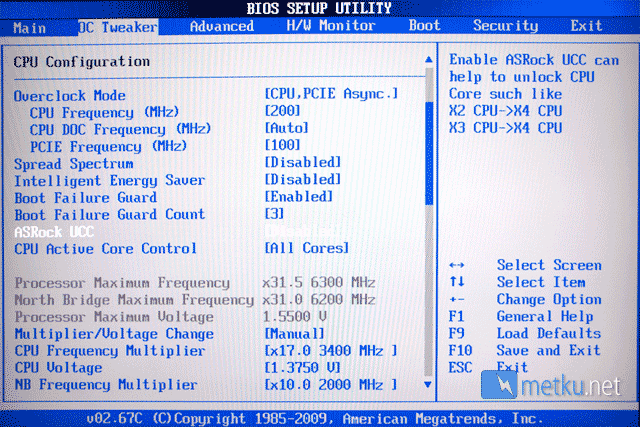
The Asrock board also comes with UCC-feature for unlocking dual- or tri-core Phenoms into quad-core.
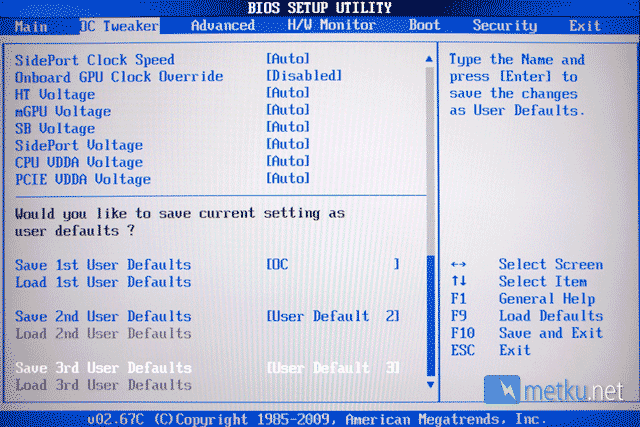
Once you get all your settings done, you can save them in one of the three memory slots. This feature is something that's likely to come handy when overclocking or having to trouble shoot something. Basically you can save the OC-settings of choice in here and then reset the BIOS back to the safe factory settings.
ASRock - OC Tuner
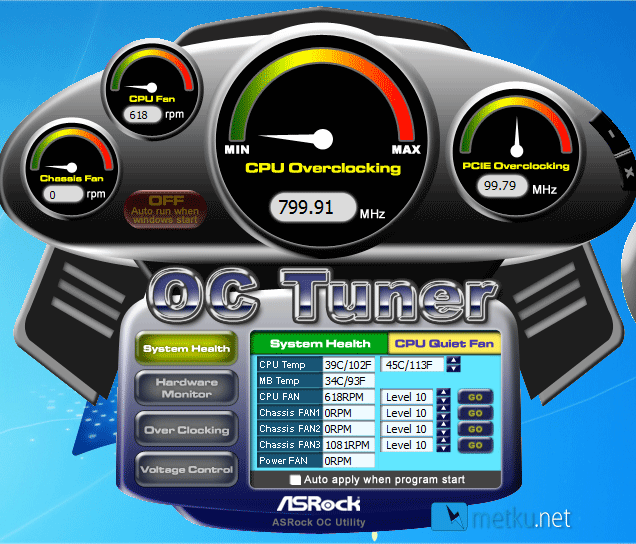
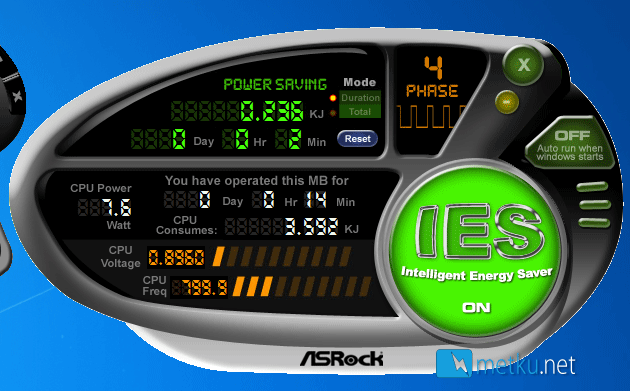
The Asrock comes bundled with very similar programs to those we already saw with the Gigabyte. There's the OC Tuner for overclocking and monitoring and Intelligent Energy Saver for the green folk out there. The OC Tuner layout is rather confusing and overall I found the EasyTuner nicer to use.
 | Pages: 1 2 3 4 5 6 7 8 9 10 11 |  |
 Content in english!
 Sisältö suomeksi!