


|
|
 In English
 Suomeksi
VFD Under Windows XP
After getting the hardware all installed and wires organized, it's time to move to the software. The CD includes drivers and an IR module software (IRTrans). Installation of these two is just basic Next-clicking and it is even documented in the manual. After the easy installation everything gets a bit harder, manual doesn't tell anything about actually using the software. I've heard that both the remote and the display work like a charm in the XP Mediacenter but things seemed a bit different when it comes to Windows XP.
LCD Smartie
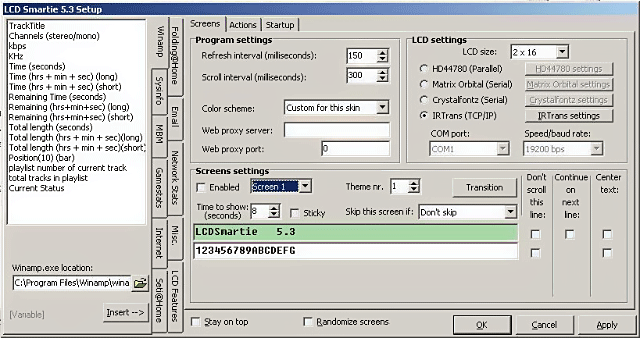
Afther some Googling I learned that the display is LCDsmartie-compatible. LCDsmartie is a widely used, easy and free way to control a LCD. Just change the LCD size from this setup-screen to 2*16 and the display into IRTrans and everything should work. From IRTrans settings you can choose the brightness of the display from four available options. If you want to use this software always, it's good to check from the "Startup"-sheet the "Autostart hidden (in system tray)"-option. After these settings you can start customizing the screens.
Winamp
IR 2 Keyboard
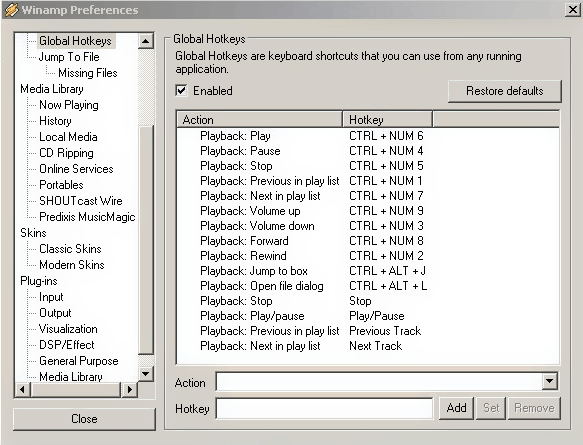
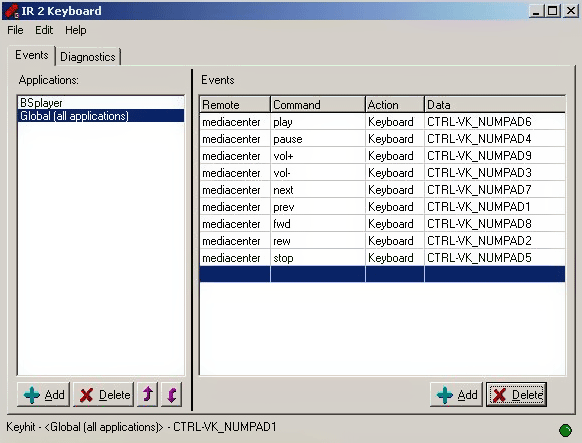
The number buttons on the remote worked fine after installing the IRtrans software but other buttons stayed totally dead. Help for this problem was found from a forum where a guy had done a tiny program which transforms the command received from the remote into normal key commands. These command can then be normally configured into any program settings. Winamp preferences currently being configured in the picture.
Screens
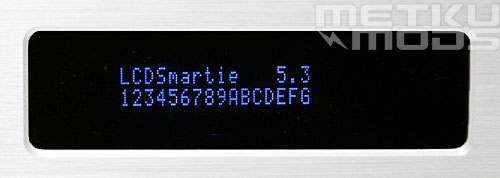
LCDSmartie
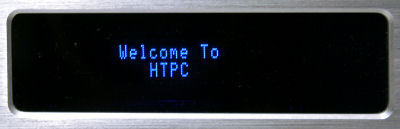
Title
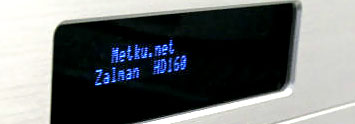
Metku.net
 | Pages: 1 2 3 4 5 6 |  |
 Content in english!
 Sisältö suomeksi!