


|
|

 In English
 Suomeksi
Web interface
Let us take a closer look what the browser interface looks like. All the data can be made available via SMB/Windows network shares and FTP but the administration menus are only accessible via www browser.
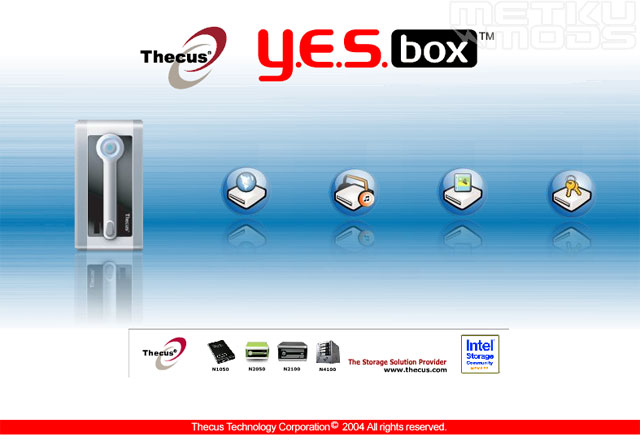
Main menu
From here you are given a choice to go either look at the files on the N2100, browse the iTunes folders, watch image galleries or login with your personal password or as an administrator.
One things that bothered me a bit in this screen was the fact that the bottom part of the page has a flash animation, an advertisement about Thecus and their products. For some reason this is something that I wouldn't expect to see with this kind of product. Sure it is good to show the company logos etc. and they are visible on the top part of the page and also mentioned on the bottom but also place a flashing ad into the main user interface...
WebDisk
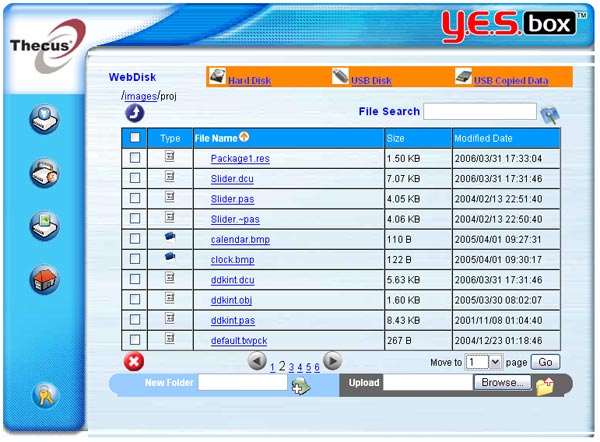
WebDisk
From here you can browse the folders inside the N2100 and other attached storage devices hooked up via USB connection. All actions are controlled by Access Control List if the folder is not flagged as public. With ACL one can control the user and group rights, allowing or denying the read/write access as needed.
One just need to click on the file and it is transferred to the browser. Depending on the browser settings and installed programs, the material will be played back or displayed like it was opened from a local hard drive making it very easy to operate.
One can create new folders and upload new files. It is too bad that user can't rename either the files or folders. I believe this limits the WebDisk functionality the most as the browsing and accessing the data have been made very easy. Hopefully this is something that will be addressed in future firmware releases.
Gallery
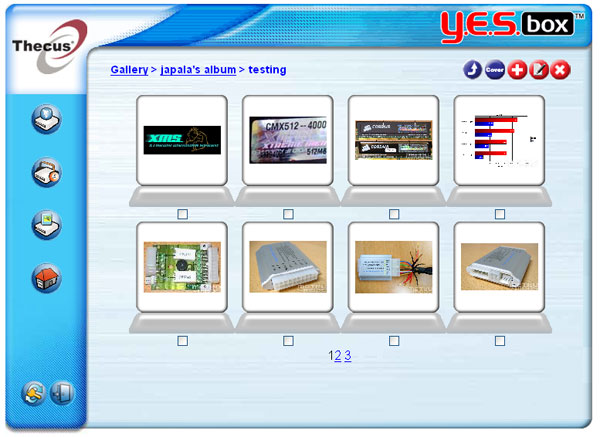
Gallery
Perhaps not as well documented as other parts of the interface, the Gallery allows one to make image galleries. User needs to have an account setup on the N2100 before he/she can start uploading images to the gallery. After that it is easy to add and remove sub folders and images via the www browser.
Modules - Torrent
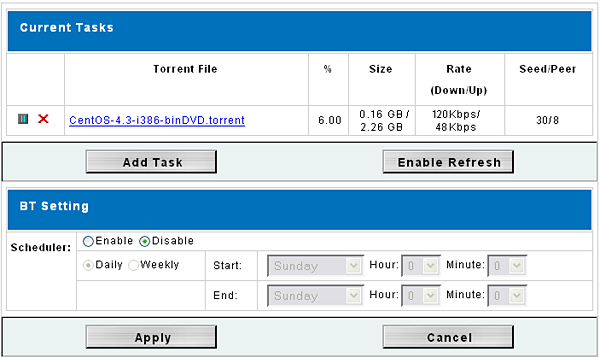
Torrent
N2100 support modules that add new functionality to the product. At this time there are two modules available; Torrent module and blog module. With Torrent module one can keep sharing and downloading torrents even when your computers are switched off. With included scheduler, the downloads can be scheduled to happen for example during the night time when the bandwidth is not utilized by other traffic.
Blog module adds a pretty standard blog to the N2100. If you have the N2100 connected to the internet, you can share your thoughts with the rest of the world very easily.
 | Pages: 1 2 3 4 5 6 7 8 |  |
 Content in english!
 Sisältö suomeksi!