


|
|

 In English
 Suomeksi
Installation
Both of these coolers are installed in exactly the same way, so we'll only cover the installation of the NH-C14 model. The motherboard used for testing is the MSI P55-GD80 and the CPU is Intel Core i7 870, but the installation is actually very similar also on AMD-platforms.
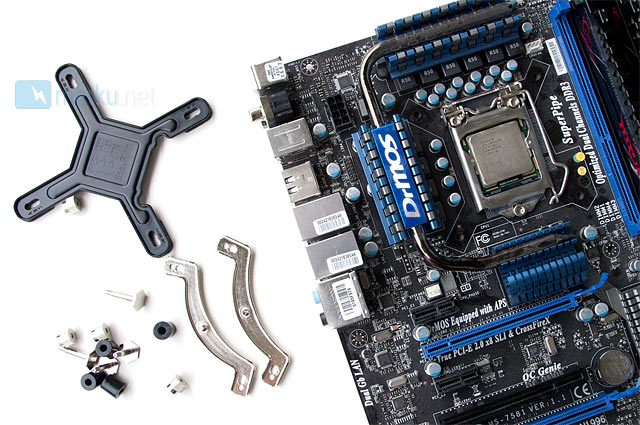
The installation includes 15 different pieces, which sounds like plenty, but the parts are large enough not to be frustrating and the installation fairly straight forward. While most cases these days have cut-outs for cooler installation, it still makes things so much easier if you get the motherboard out of the case.
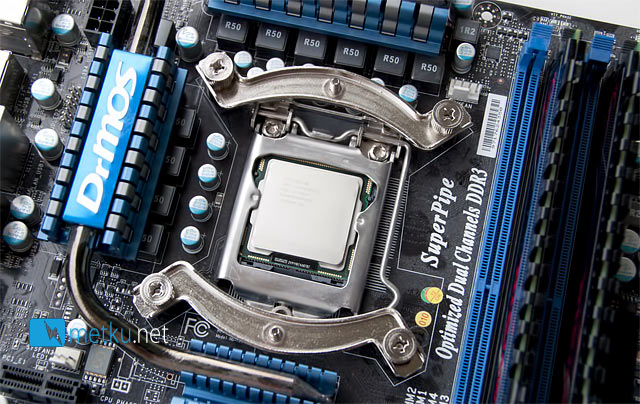
The first step is to get the brackets in place, which includes placing the support plate behind the motherboard and then tightening the brackets in place with four screws, spacers and nuts.
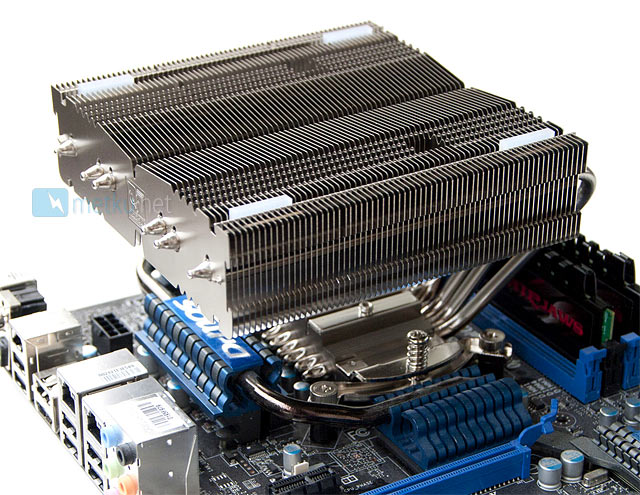
After that just add the thermal paste and finally tighten the cooler in place. This is where the holes in the NH-C14 come handy. After this it's just time to snap the fans in place and start testing!
 | Pages: 1 2 3 4 5 |  |
 Content in english!
 Sisältö suomeksi!