


|
|

 In English
 Suomeksi
Software

In the typical Razer-fashion, also the Nostromo software follows the green and black color scheme. The layout is very clean and all the settings are easy to find. On the first tab there are settings for all the functions of each key. For each button one can choose a keyboard key, macro key, mouse key, program launch or keymap switch functions. On the bottom of the view there are the 8 keymaps, all of which are individually programmable and can be cycled through by pressing a key or using the scroll wheel. The keymap in use is shown by the lights under the thumb button.
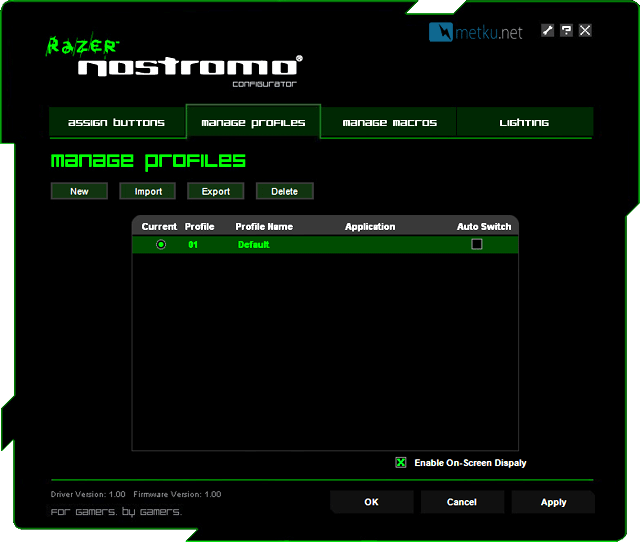
The following tab is used for managing the profiles. There can be profiles for up to 20 different games, and with each profile having the eight separate keymaps, the overall number of keys is quite plentiful. The profiles also have auto switch feature, so the right profile gets activated when a game or program is launched. These can also be exported and imported, so Nostromo-users can share their keymaps with each other.
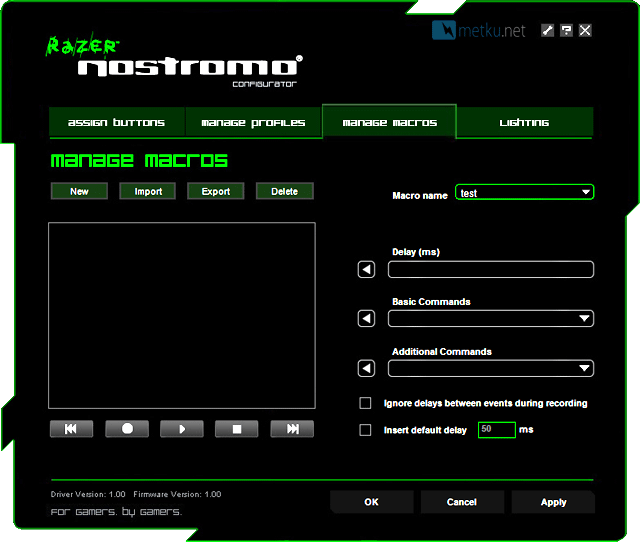
The software also comes with a full featured macro editor that doesn't limit the length of the macros and also enables accurate delays between key presses and "additional commands" which means stuff like closing windows, opening the explorer and locking the PC.
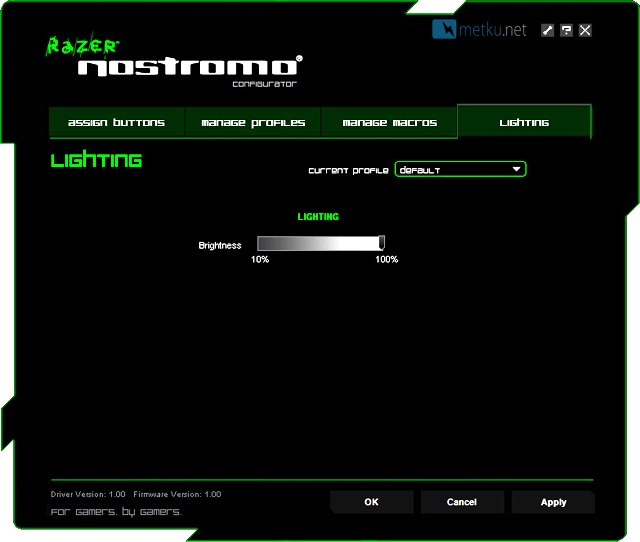
And finally on the fourth tab one can set the backlight level just right.
 | Pages: 1 2 3 4 |  |
 Content in english!
 Sisältö suomeksi!