


|
|

 In English
 Suomeksi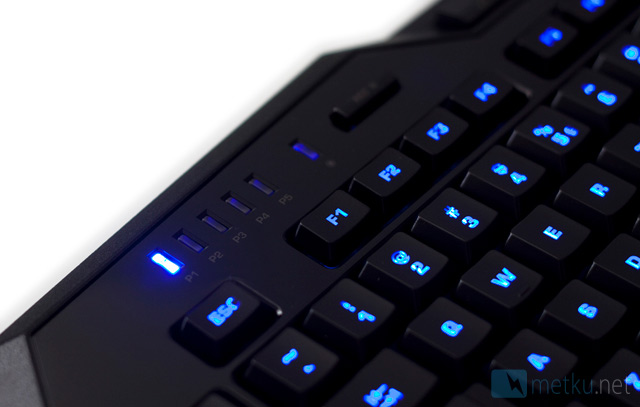
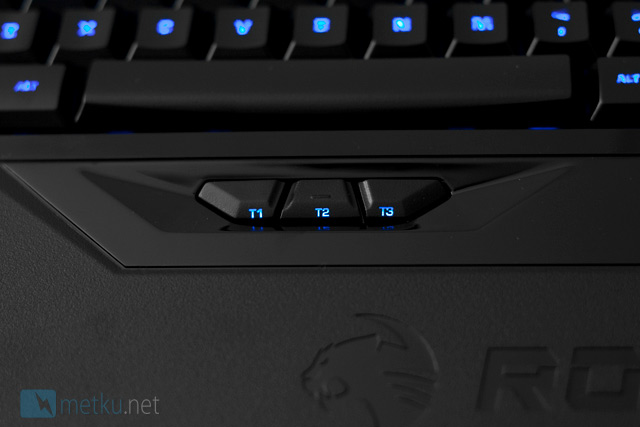
The blue LEDs at the left corner tell the current macro profile. You can configure up to five different macro profiles to your keyboard. Macro profiles can be quickly changed with the thumb keys that are located under the space bar.
Almost every key in Isku is illuminated. The color of the light is blue and it has six different brightness level. The illumination is created in a bit stupid way because the key tags can be clearly visible only when you look at the keyboard in right angle. When you look at the keyboard from different angle the key tags become unclear.
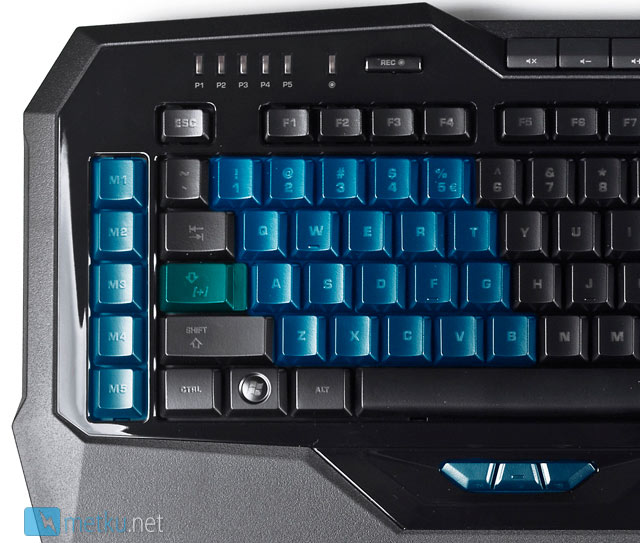
Keys 1-5, Q-T, A-G, Z-B, M1-M5 and thumb keys are configurable. Macros in number and letter keys can be used when you first press and hold the EasyShift key. By default the EasyShift key is in Caps Lock but you can configure it to Kone(+) mouse’s thumb keys using Roccat Talk.
Roccat Talk works also in the other direction – when pressing Isku’s EasyShift key, Kone(+) mouse’s macros get activated.
 | Pages: 1 2 3 4 5 |  |
 Content in english!
 Sisältö suomeksi!