


|
|

BIOS
Bios looks more or less like the standard AwardBios. Here I will introduce some of the more advanced features and things that are specially designed for this FB62 motherboard.
Settings for CPU
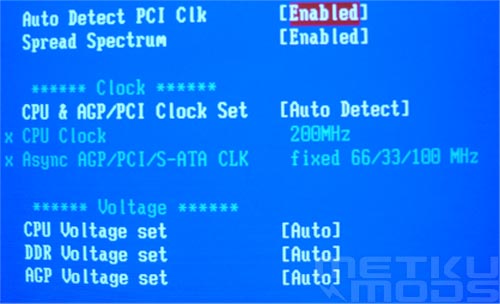
Bios, CPU
All the main aspects related to CPU and voltage are managed from Frequency and Voltage control. Separate items are presented in more detail below:
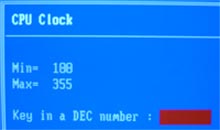 Good range to choose from. Anything from 100 to 355 MHz. Should be enough for anyone. |
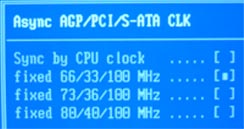 Important section where you can choose clocks for AGP, PCI and SATA. When overclocking it is good to have the opportunity to lock these values. Messing the FAT on your hard drive because of too high PCI clock gets annoying really fast. ;) |
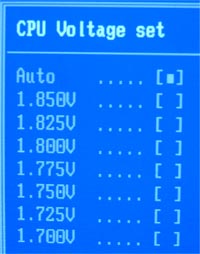 1.100 - 1.850 in 0.025 volt steps. |
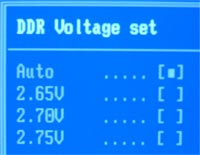 2.65, 2.70, 2.75 and Auto. Perhaps a bit shy voltage range here. It would have been nice to see something closer to three volts to allow maximum overclock on the memory. |
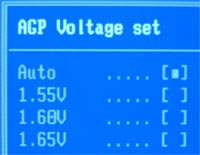 1.55, 1.60, 1.65 and Auto |
Settings for memory
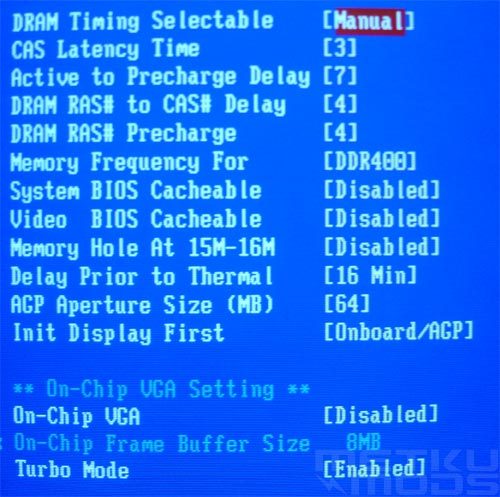
Memory timings + integrated GFX
All the memory related setting except the voltage. Also selectable are the graphics adapter initialization and turbo mode which enables the PAT function.
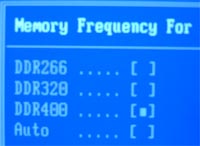
Selectable values depending on the CPU speed: |
 |
Settings for health
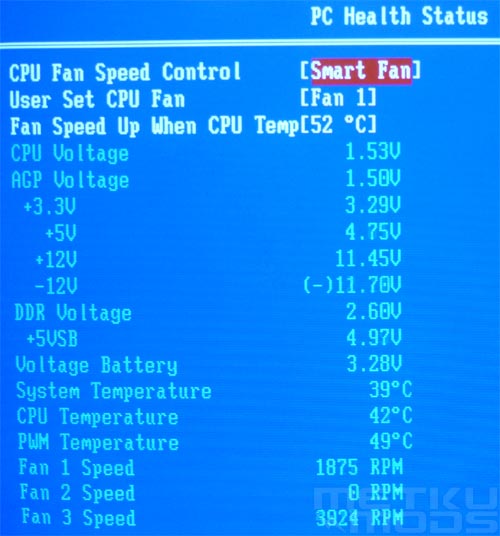
Cooling and voltages
PC Health Status -part of the BIOS shows all the voltage levels on different parts of the system. Also visible are the measured temperatures and fan speeds. +12 volt line seems to be currently bit low but it will not affect the stability of the whole system. Case temperature is hovering around ~40 degrees and the CPU fan is running with stage 1. setting of around 2000 RPMs.
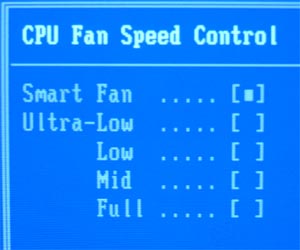 Smart Fan setting will handle the fan speed all by itself by monitoring the CPU temperature. Ultra-low, low, mid and full settings allow manual selection of fan speed. |
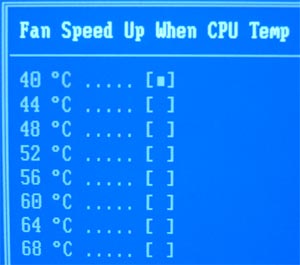 User can adjust the temperature threshold that allows the fan to increase its speed when the pre-selected limit is crossed. System has a 80 degree fail-safe mode build-in that will increase the speed of the fan to maximum level of around 3500 RPMs. |
Other settings of interest
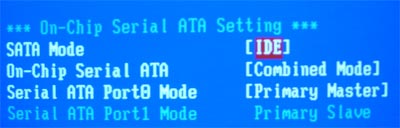
SATA
ICH5R Raid offers some interesting possibilities. You can combine all your possible hard drives (2xSATA + 4xIDE) in different combinations. Sure, it would be nice to have room for all this hardware in the first place. ;)
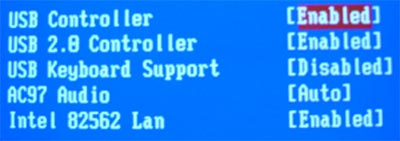
USB, build-in audio and Intel networking
From here you can enable or disable both integrated audio and the second LAN chip and connector.
 | Pages: 1 2 3 4 5 6 7 8 |  |
 Content in english!
 Sisältö suomeksi!