


|
|

 In English
 Suomeksi
In Use Experiences
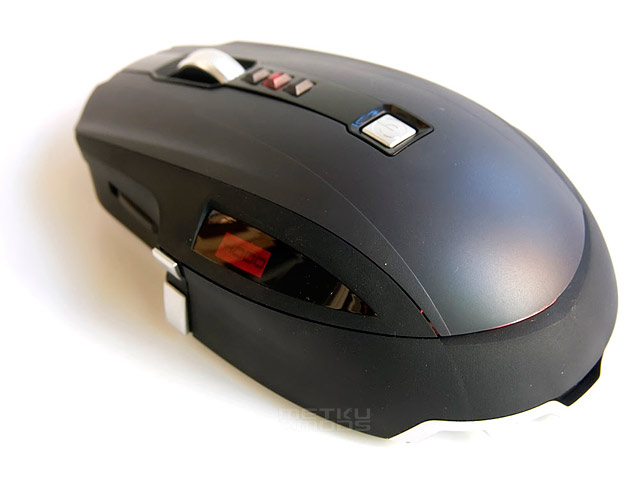
While in wireless use, there's only a very dim blue glow in the gap on the back of the mouse . no fancy light effects here. When you press one of the sensitivity buttons, a red light shows in the same gap, as well as under the pressed sensitivity button, and the LCD screen shows the selected DPI.
When charging, there's a battery icon on the LCD all the time, and again a dim red light in the gap. With the three tints of grey/black and red lights, the X8 actually fits very well with the Logitech G15 Rev2 keyboard that I'm using.
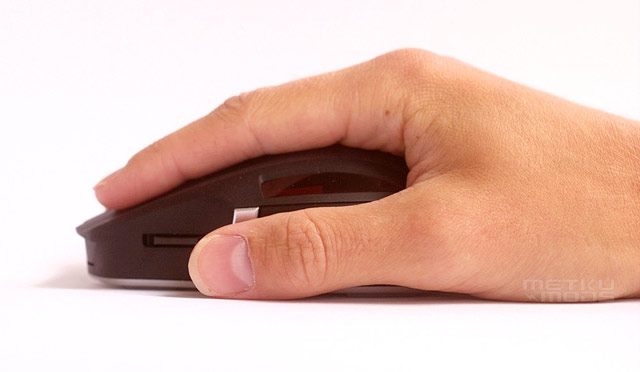
While playing the main difference to any other mice I've tried is the positioning of the thumb keys. It took a while to really get used to these, but other than that, it's business as usual. There's absolutely no lag for as long as I can tell, the mouse doesn't feel too heavy despite being wireless, and moves around easily. In the games that I play there isn't really use for any macros, but I do use the sensitivity buttons every now and then. Again, the layout is different from my old mice as the sensitivity buttons are on one side of the wheel, but after some getting used to, it's pretty quick to hit the right one. I'd still prefer just two buttons, but that's purely a personal favor.
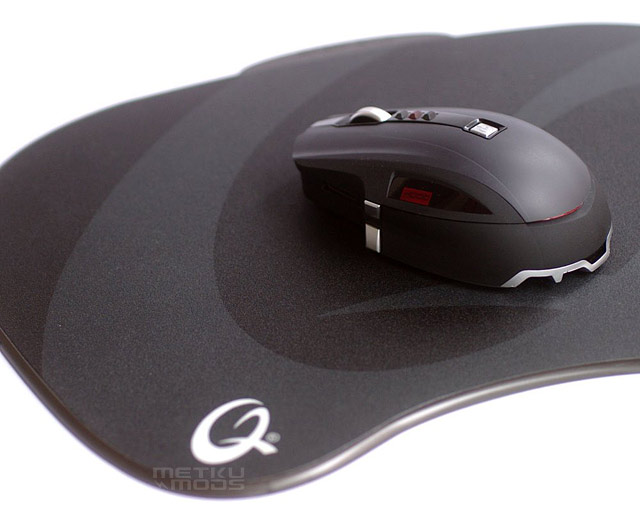
The Bluetrack has been advertised to work on just about all surfaces, and ofcourse the claim had to be put into a test. It worked fine on most items you'd come across on a desk: mousepads (also the bottomsides), paper, wood, DVD-case, reflective ESD-bag, a thick tempered glass, and also on a curved glass pint... On the other hand it wouldn't work on mirror, or window glass.
Gamers usually have a good quality mousepad as a mousing surface but for example all the laptop and netbook users on the move might encounter very different surfaces that the mouse has to perform on. This is why Microsoft is also utilizing their BlueTrack technology in several of their mini and mobile mice.
Conclusion
The Sidewinder X8 is exactly what it says in the tin, a high-end wireless gaming mouse. If you're looking for a new gaming mouse, and think having a wireless would be nice, then there aren't all that many good choices to pick from. There aren't any flaws in X8 that I could point out. If it fits your needs, hand and wallet, then there's no reason why not to go for the X8. With MSRP of $99,95 the X8 sure ain't the cheapest mouse around. Then again, it packs some neat features, and unlike other expensive hardware, it isn't going to become obsolete in a matter of months. With any luck you could still be using the same mouse in years to come, so to me atleast getting a seriously good mouse seems like a long-term invest in comfortable computing. |

 Subscribe to Metku.net Subscribe to Metku.net
 Digg It Digg It
 Save This Page Save This Page
 Stumble it! Stumble it!
 Add to Facebook Add to Facebook
|


Additional Information |
Past related articles in Metku.net
|




 | Pages: 1 2 3 4 5 |  |
 Content in english!
 Sisältö suomeksi!